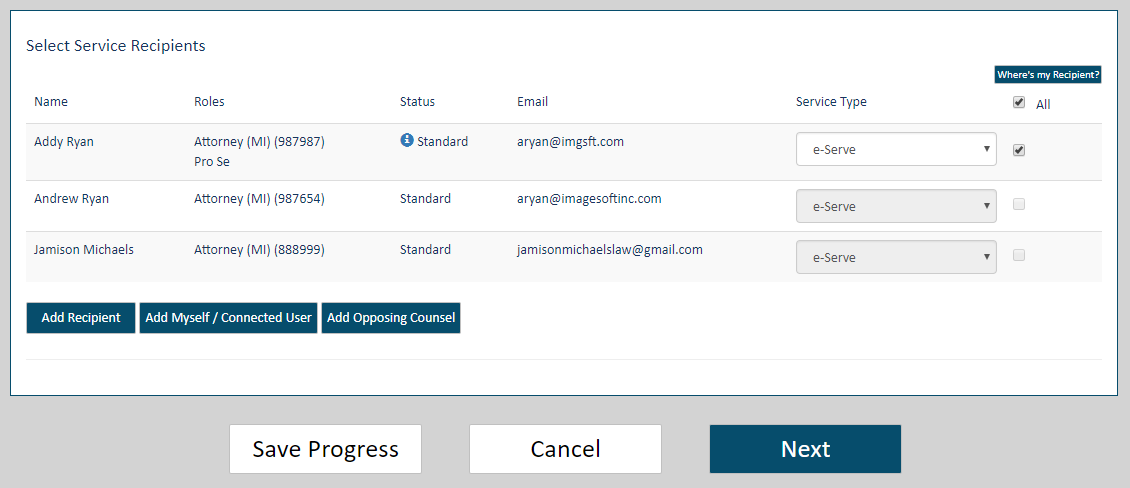
If you don't want to submit your filing at this time, you can save it and return to finish it later.
On the Upload pane, scroll to the bottom of the page.
Click the Save Progress button.
Click OK on the Save Verification dialog.
See Access a Saved Filing for details on completing your filing. When your filing is complete, you can submit it to the court.
You can also leave the Upload pane without saving or submitting your filing.
On the Upload pane, scroll to the bottom of the page.
Click Cancel. A confirmation dialog is displayed.
If you click Cancel on a bundle you accessed through the Unsubmitted tab on the History page, your bundle will no longer be available. If you want to be able to access your saved bundle again, click Save Progress.
Select Stay to continue to work on the filing; click Leave to confirm the cancellation.